SEO Software for Agencies and Building the Right Stack
Choose SEO software for agencies around your delivery workflow, client requirements, and total operating cost. Research, crawling, rank monitoring, reporting, and approvals are different jobs. A single suite may cover several, but overlapping subscriptions can add expense without improving delivery.
Start by listing the work your agency repeats each month. Then test whether a tool makes that work more reliable, easier to review, or faster to complete.
Define the agency workload
Record client count, website size, markets, locations, reporting cadence, and staff roles. A local agency managing small service websites needs a different system from a team handling international ecommerce catalogs.
Identify the bottleneck. Missing technical diagnosis suggests a different purchase from slow client reporting. If the real problem is inconsistent briefs or unreviewed recommendations, software may organize the problem without solving it.
Keep ownership clear. Client websites and first-party accounts should remain accessible to the appropriate client owners, with agency access managed according to the agreement.
Compare software by job
| Job | Candidate category | What to test |
|---|---|---|
| Keyword and competitor research | Broad SEO suite | Relevant data, exports, market coverage |
| Technical diagnosis | Crawler | Coverage, configuration, reproducibility |
| Rank monitoring | Dedicated tracker or suite | Location, device, cadence, result definitions |
| Client reporting | Dashboard and reporting platform | Connectors, branding, permissions, commentary |
| Production management | Project and document tools | Ownership, approvals, history, handoffs |
Products such as Ahrefs, Semrush, Screaming Frog, Data Studio, and agency reporting platforms are candidates within these categories. Compare current plans and behavior rather than assuming every feature is included in an entry subscription.
Research tools need relevant data
Test the same small set of client queries and competitors in each candidate. Compare whether the tool helps identify useful opportunities and explain its estimates.
Volume, difficulty, traffic, and backlink figures are modeled differently by vendors. Do not treat one tool’s metric as interchangeable with another’s. Record the data source and date in research and reports.
Check limits that affect actual delivery: projects, tracked keywords, exports, historical data, seats, credits, and API use. A low headline price can be misleading when your normal workflow requires upgrades.
Crawling tools should support diagnosis
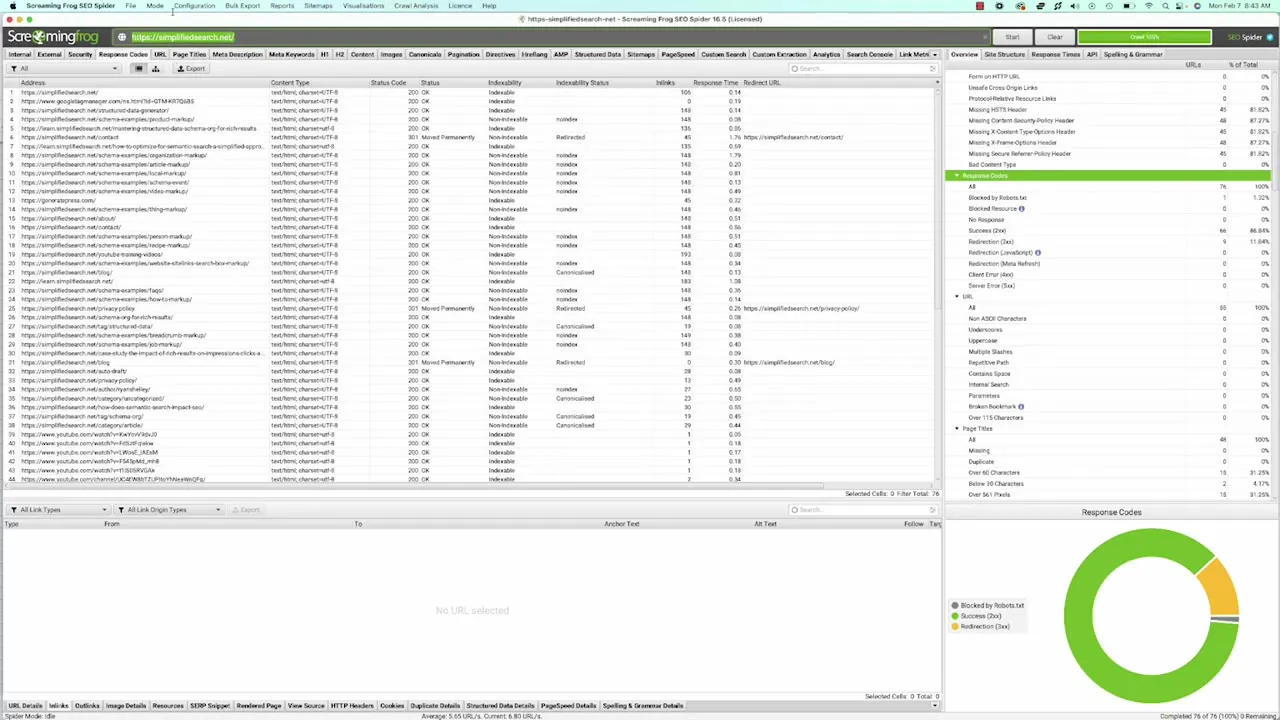
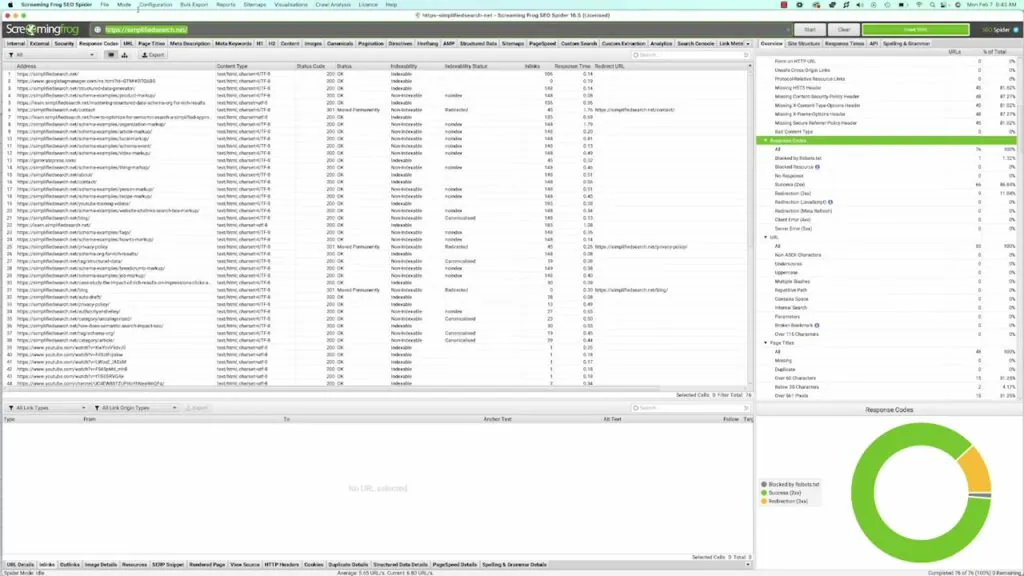
Choose a representative site with known issues. Test whether the crawler finds important pages and provides enough evidence to reproduce a finding. Review rendering needs, authentication, exclusions, and export usefulness.
A list of warnings is not a prioritized action plan. Your team still needs to assess impact, confirm the issue on the page, propose a fix, and test the change.
Screaming Frog offers a free crawl allowance of up to 500 URLs at a time, according to its current official getting-started guide. Verify the current paid capabilities and licensing before building a workflow around them.
Reporting tools should preserve meaning
Test how a platform handles date ranges, time zones, data delays, and missing connections. Confirm that a disconnected source does not silently become a zero that looks like a business decline.
A report should explain results, work completed, limitations, and next decisions. Branding alone does not create a useful client document. Make sure people can add and approve commentary before distribution.
Inspect access controls. A client portal should show only the intended client’s information. Test links, exports, and permissions with a separate viewer account.
Calculate the real cost per client
Use a planning formula:
Monthly stack cost per client = subscriptions, add-ons, usage, and reporting labor divided by the clients actually served.
For example, suppose a fictional agency spends $600 on software and $400 of staff time preparing ten monthly reports. The combined cost is $100 per client. If a reporting change reduces labor to $200 but adds a $150 subscription, the new total is $950, or $95 per client.
These assumptions illustrate comparison. They do not establish vendor prices or guarantee time savings. Include setup, training, and maintenance when evaluating a switch.
Build a stack appropriate to capacity
A small agency can often start with first-party data, one research tool, a crawler when needed, and a consistent reporting document. Avoid buying a separate system for each minor task before the process is stable.
A growing team may benefit from centralized rank tracking, shared project history, and reporting permissions. A larger agency may need automated data pipelines and stronger governance.
Client count alone should not trigger an upgrade. Complexity, staff coordination, and reporting obligations may matter more than the number of accounts.
Run a workflow trial
Use a real project with permission and a limited scope. Follow it through research, diagnosis, recommendations, approval, reporting, and export. Measure errors and staff effort as well as speed.
Test failure conditions: a revoked connection, a renamed property, a missing metric, and a departing team member. Confirm how data is exported if you leave the platform.
Keep the old process available until the new one works. A software migration should not interrupt client reporting or lose historical definitions.
Make the purchasing decision
Choose the smallest stack that meets your delivery requirements reliably. Document which tool owns each job so duplicate subscriptions remain visible.
Review the stack periodically. Remove tools that are rarely used, consolidate where it improves work, and retain specialist tools when their additional capability justifies the cost.
Your next step is to write a trial checklist around one recurring agency task. Compare products on that task before committing to an annual plan.
For the underlying implementation or measurement guidance, consult the official reference and check current requirements before making changes.
Frequently Asked Questions
What is the best SEO software for agencies
There is no universal winner. Compare research, technical, tracking, reporting, and permission needs using representative client work.
Should an agency buy one all in one tool
A suite can simplify purchasing and data access. Specialist tools may still be necessary when the suite does not handle a critical workflow well.
Is white label reporting included everywhere
No. Branding, custom domains, portals, exports, and seats can depend on the current plan. Verify the exact requirements before buying.
How do I avoid paying for duplicate tools
Assign each subscription a primary job and review actual usage. Test whether an existing product can perform the task adequately before adding another.
Can software replace an SEO specialist
It can collect and organize evidence. Diagnosis, prioritization, implementation review, and client decisions still require accountable judgment.