On Page SEO Tools by the Problem You Need to Solve
Choose on-page SEO tools according to the work required: inspect page elements, diagnose technical patterns, improve an explanation, or manage publishing settings. These jobs overlap, but they are not identical. A content score does not establish technical accessibility, and a clean crawl does not prove an article is useful.
Start with one page and a specific question. The right tool should help you collect evidence and verify a correction.
Separate the main tool categories
| Job | Suitable category | Output to evaluate |
|---|---|---|
| Inspect titles, headings, and links | Page inspection or crawler | Actual elements and affected URLs |
| Diagnose sitewide patterns | Technical crawler | Reproducible issues and exports |
| Review search performance | First-party search reporting | Queries, pages, and contextual trends |
| Improve content coverage | Research and editorial assistance | Useful missing questions and clearer explanations |
| Manage CMS settings | Publishing plugin or native controls | Correct final HTML and indexing settings |
| Investigate page experience | Performance diagnostics | Specific problems and tested improvements |
Use the category to narrow the purchase. Do not compare a WordPress plugin and an enterprise crawler as if one simply replaces the other.
Start with first party evidence
Search Console helps investigate the site’s observed search activity and indexing information when you have access. Page inspection and browser tools can show what the live page contains.
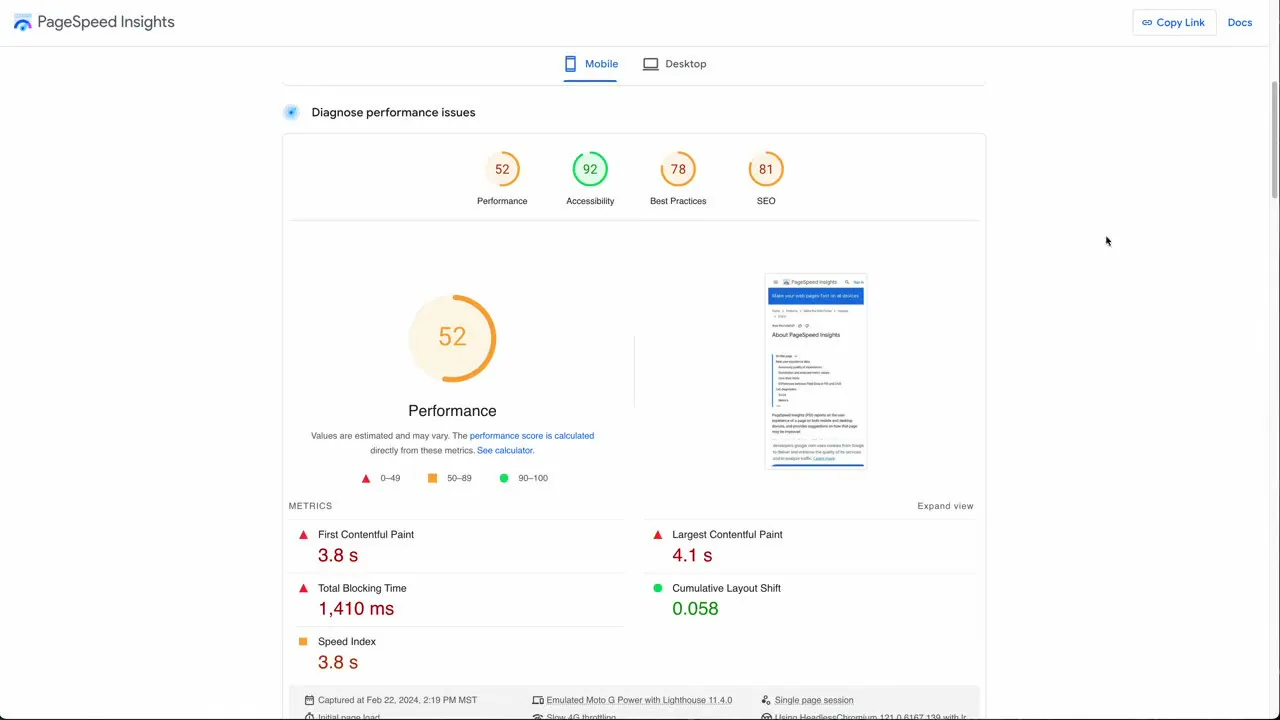
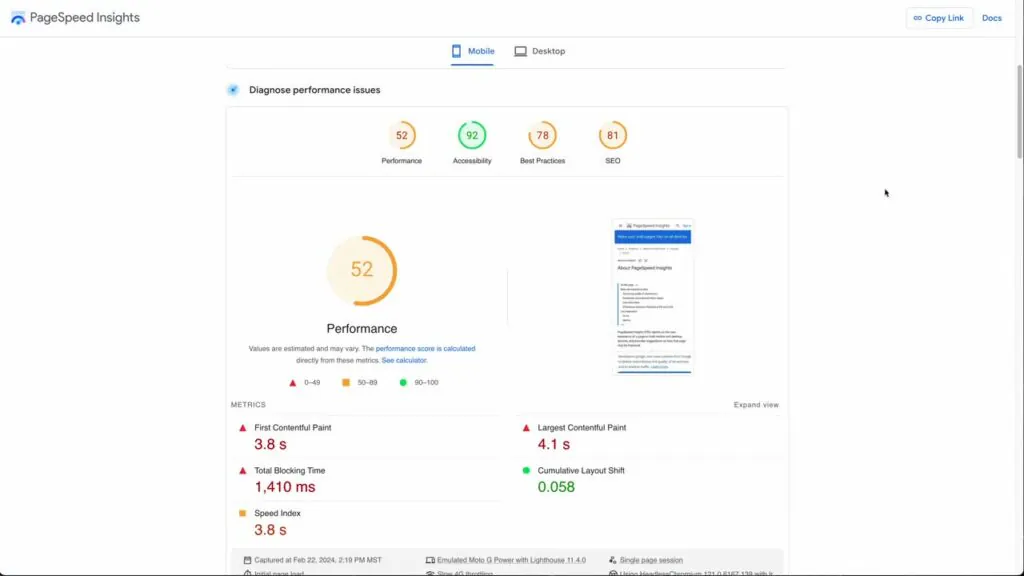
PageSpeed Insights can help investigate performance, but its findings still need interpretation and implementation review. A score is not the business objective.
For a small site, these sources may reveal the most important problems before you need another paid subscription. Keep an evidence register so findings become actions rather than screenshots.
Use a crawler for repeated patterns
A crawler such as Screaming Frog can inspect multiple URLs and help identify patterns in titles, headings, links, status codes, and other elements. Its current official guide describes a free allowance of up to 500 URLs at a time; verify limits and paid capabilities directly.
Configure the crawl for the site and question. Rendering, authentication, parameters, and exclusions can affect what the tool sees.
Confirm representative findings on the page. A warning about a short title may be less important than a missing service page or a broken form. Prioritize the reader and technical impact.
Treat content optimization scores as suggestions
Content tools may suggest terms, questions, or structural changes based on their own analysis. Use them to identify possible omissions, then decide whether the suggestion fits the reader’s task.
Do not add a term solely to improve a score. A guide can become less useful when it introduces unrelated concepts or repeats the same phrase unnecessarily.
Tools also cannot supply expertise you do not have. Product tests, original data, qualifications, and customer outcomes need genuine evidence.
Review CMS tools through the final page
Plugins and native CMS controls can help manage metadata, sitemaps, canonical settings, and other publishing fields. Products such as Yoast SEO and Rank Math are candidates for WordPress workflows, subject to current capabilities and configuration.
The final HTML matters more than a dashboard indicator. Check that the published title, description, canonical, and indexing directives match the intended settings.
Avoid multiple tools controlling the same output without a clear reason. Conflicting settings can create errors that are difficult to trace.
Compare tools with the same test
Choose a small set of pages with known needs: a duplicate title, a broken link, a weak explanation, and a page with performance problems. Run each candidate through the tasks it claims to handle.
Record whether the tool finds the issue, explains the evidence, supports an actionable correction, and lets you verify the change. Also measure setup and review effort.
A tool that reports more warnings is not automatically better. False positives and low-value suggestions can increase work without improving the site.
Build a modest stack
A beginner might combine first-party data, direct page inspection, a suitable crawler, and the CMS’s publishing controls. Add editorial or specialist tools when the need is clear.
A team handling larger sites may need scheduled crawls, shared history, permissions, APIs, or integrations. Verify the exact plan rather than assuming the product name includes every function.
Compare total cost, including seats, usage, setup, and training. A tool that saves formatting time may still require the same amount of diagnosis and review.
Turn findings into implementation tickets
Each ticket should state the issue, affected URLs, evidence, impact, proposed correction, owner, and completion test. Avoid sending developers a raw export and calling it a plan.
After implementation, inspect the live page and rerun the relevant check. Record regressions and template effects. A change on one page may affect many others.
Keep editorial changes accountable too. A term suggestion can introduce an inaccurate claim even when the technical fields remain correct.
A worked decision
Imagine a single-page business site with an unclear offer and a broken contact link. Buying a content-scoring subscription will not resolve the main problem unless someone rewrites the offer accurately and repairs the link.
Now imagine a store with thousands of parameter URLs and inconsistent canonical settings. A technical crawl and implementation review may be more valuable than manual page-by-page edits.
These examples show why the purchase should follow diagnosis. The most expensive product is not automatically the best fit, and the smallest stack is not automatically sufficient.
For the underlying implementation or measurement guidance, consult the official reference and check current requirements before making changes.
Frequently Asked Questions
What is the best on page SEO tool
Choose by task. Technical inspection, content review, CMS configuration, and performance diagnosis require different capabilities.
Is a high content score enough to rank
No. It is a tool-specific assessment and does not establish usefulness, factual accuracy, technical eligibility, or a ranking outcome.
Can free tools be enough
Yes, for many foundational checks and smaller projects. Add paid capabilities when a defined workflow requires them.
Should I use several SEO plugins
Only with a clear responsibility for each output. Overlapping controls can create conflicts and unnecessary complexity.
What should I do after a scan
Verify important findings, prioritize their impact, assign implementation, and test the final page. A scan alone does not complete the work.